A daily planner on your start page
Planning apps work when you open them. Daft Deck puts today's plan on the page you see every time you open a tab, so you don't have to remember to look.
Start your deck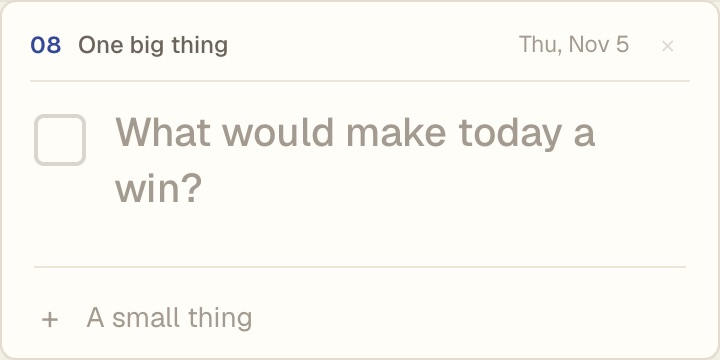
The boxes
- One big thing. The one task that would make today a win, plus a few small ones. Each morning it starts fresh, and anything you didn't finish carries over.
- To-do list. A checklist you can name. Pro lets you have more than one.
- Habits. Tick off small daily habits across the week.
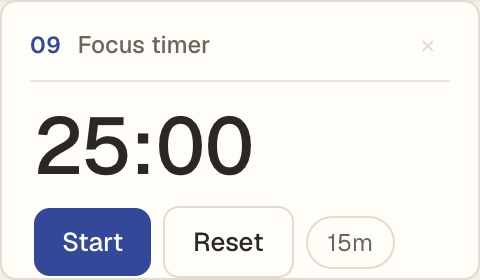
- Focus timer. A simple work timer with a gentle chime at the end.
- Countdown. Days until a trip, a deadline or a birthday.
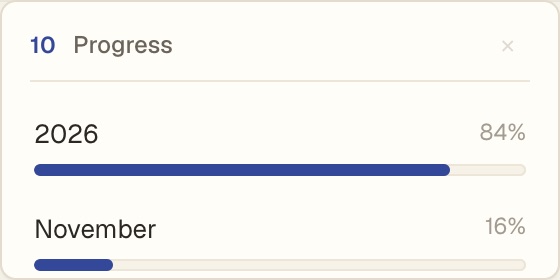
- Year progress. How much of the year, month and week has gone by.
- Next week. Things to keep an eye on before Monday.
Arrange it your way
Add only the boxes you want from the Boxes drawer, then drag and resize them. Your calendar and the weather can sit right next to them.
Questions
Does it sync with my to-do app?
No. The lists live in Daft Deck. Your Google Calendar can show next to them, read only.
Is it free?
Yes, every box is free. Pro, a one-time $12, lets you add more than one of the same box, like separate to-do lists for work and home.
Does the focus timer work in the background?
It keeps time while the tab is open and chimes when it ends.