A start page for Safari on your Mac
Safari's own Start Page shows favorites and a background photo. Daft Deck puts your day there instead: the time and week, the weather, your calendar, your to-dos and the links you open most.
Start your deck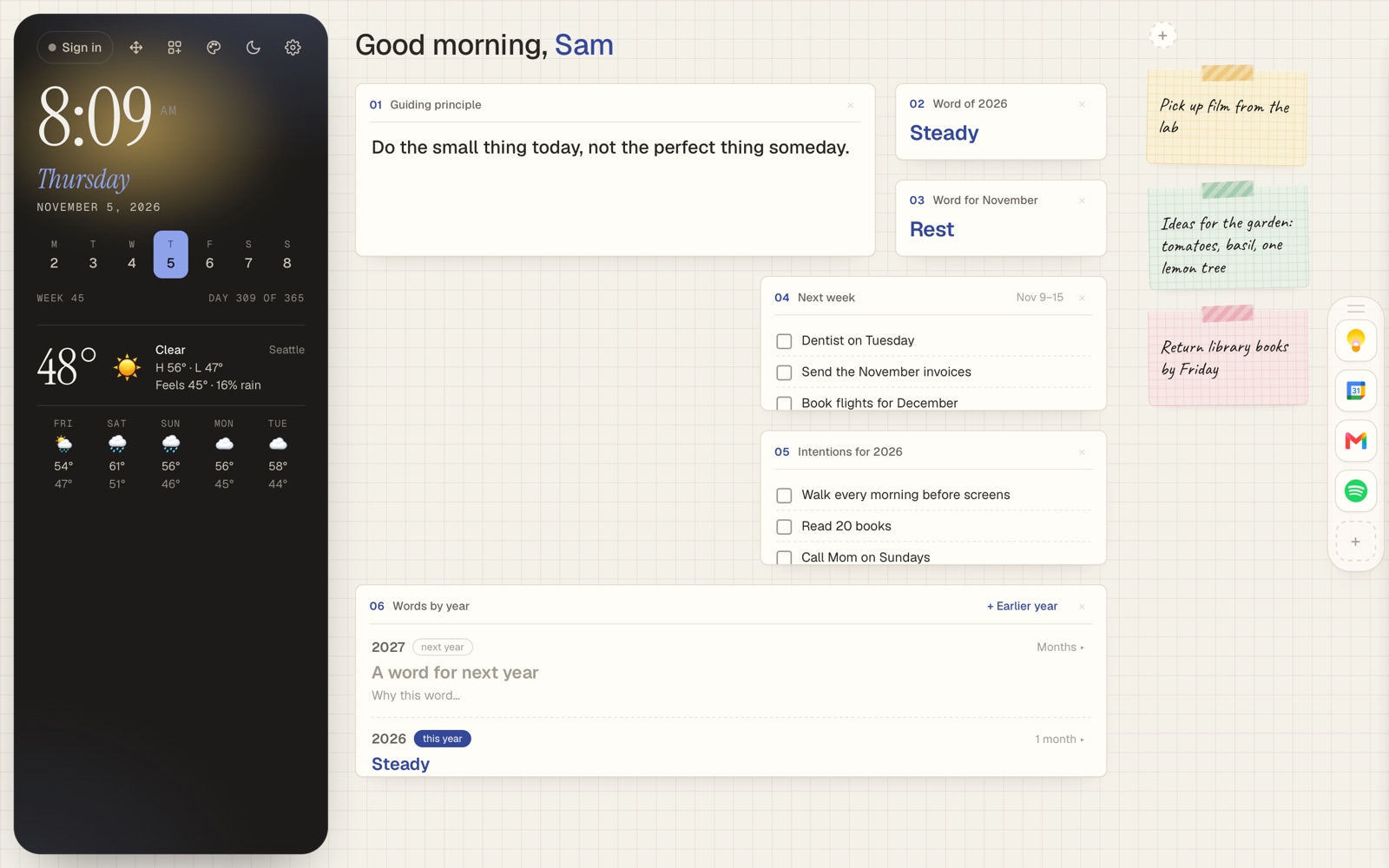
What Safari's Start Page can and can't do
On a Mac, Safari's Start Page can show Favorites, Frequently Visited sites, a Privacy Report, your Reading List and a background image. You can turn sections on and off, but you can't add your own notes, a to-do list or your calendar to it.
Safari does let you choose a homepage, and it can open that page in every new window and tab. That's where Daft Deck goes.
What you get instead
- The time, date and week. A big clock, the week of the year and which day you're on.
- Weather. Today and the next five days for your city.
- Google Calendar. Your next two weeks of events.
- Quick links. A dock of the sites you open most, so the address bar can stay empty.
- Boxes you choose. To-dos, one big thing, habits, a focus timer, stickies and a word for the year.
Set it up in a minute
- In Safari, choose Safari → Settings → General.
- Set Homepage to deck.glowdaft.com.
- Set New windows open with and New tabs open with to Homepage.
There's a longer Safari guide with pictures of each setting. On macOS Sonoma or later you can also choose File → Add to Dock, and Daft Deck opens in its own window like an app.
Questions
Is Daft Deck a Safari extension?
No. It's a web page, so there's nothing to install and it can't read your browsing. You set it as Safari's homepage, or add it to the Dock as a web app.
Does it cost anything?
Daft Deck is free. Pro is a one-time $12 for more looks, papers and handwritings, and more than one of any box.
Will it work on my iPhone too?
Yes. Add it to your iPhone Home Screen and it opens as its own app. Sign in with your six-word phrase and the same deck shows on both.